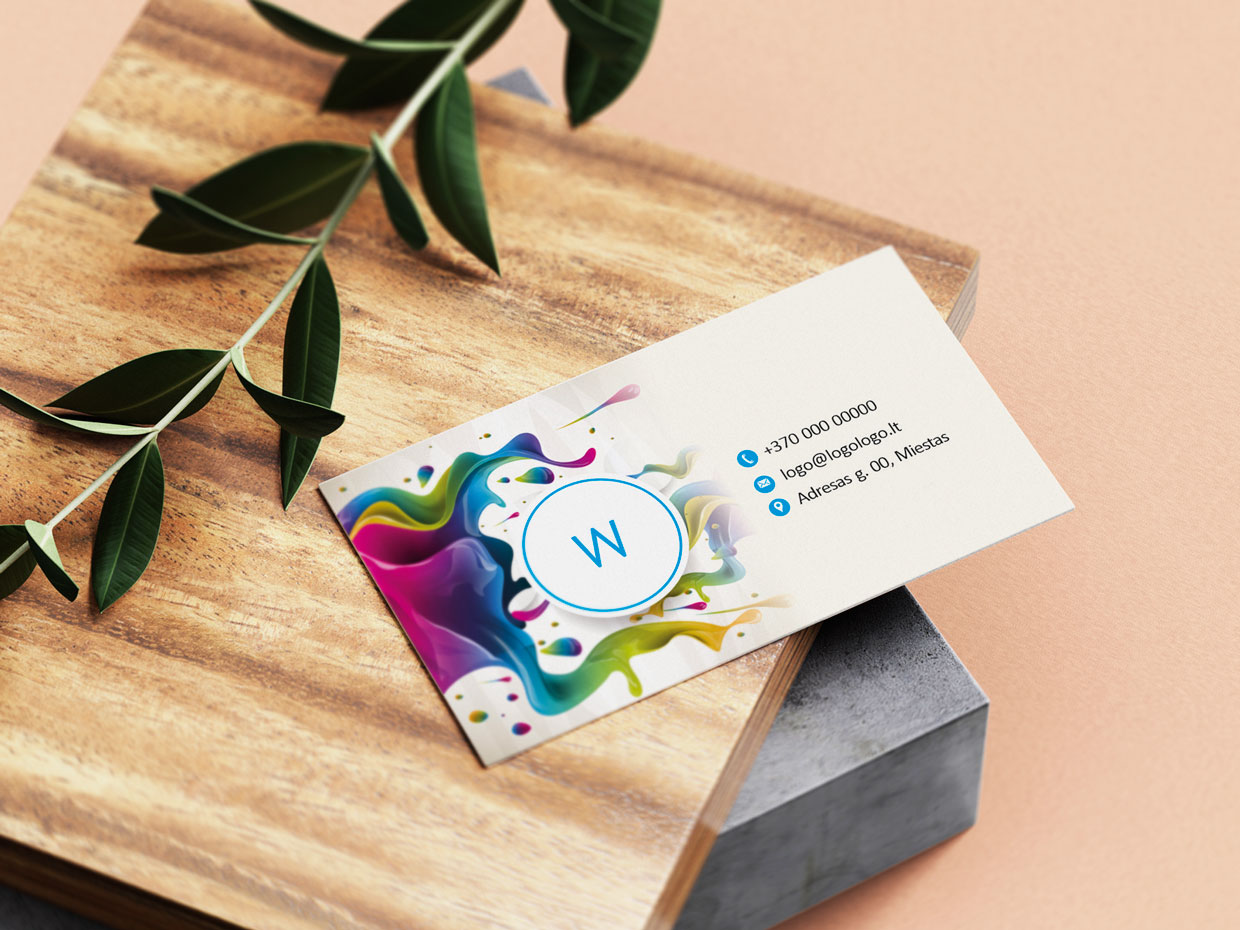
Standard/ Double-sided business cards (Standard)


Price Calculator
Order now and we’ll ship it to you on
Business cards are produced in two sizes:
- 90x50 mm
- 85x55 mm
Offered papers:
- "Standard" - white, coated, semi-gloss cardboard. Weight-330 gsm, thickness-360 µm
- "Premium" - exceptionally white, matte paper. Weight-350 gsm, thickness-380 µm
- "Recycled" - recycled, white, matte paper. Weight-350 gsm, thickness-440 µm
- "Deko" - soft colors, glossy paper. Weight 220-300 gsm, thickness-260-330 µm
Lamination:
- Glossy laminated
- Matte laminated
- Matte "Soft touch" laminated
Corner rounding:
- Unrounded
- Two corners
- Four corners
Design / layout service
Free business card templates
Production and delivery times:
- Production 1-3 business days
- Delivery 1 business day
- Production time may be longer if a larger quantity is ordered and additional options are selected and/or a designer service is ordered.
- The preliminary total order production/delivery date is displayed in the last step - "Payment / delivery information"
Need single-sided business cards? You can find them here.
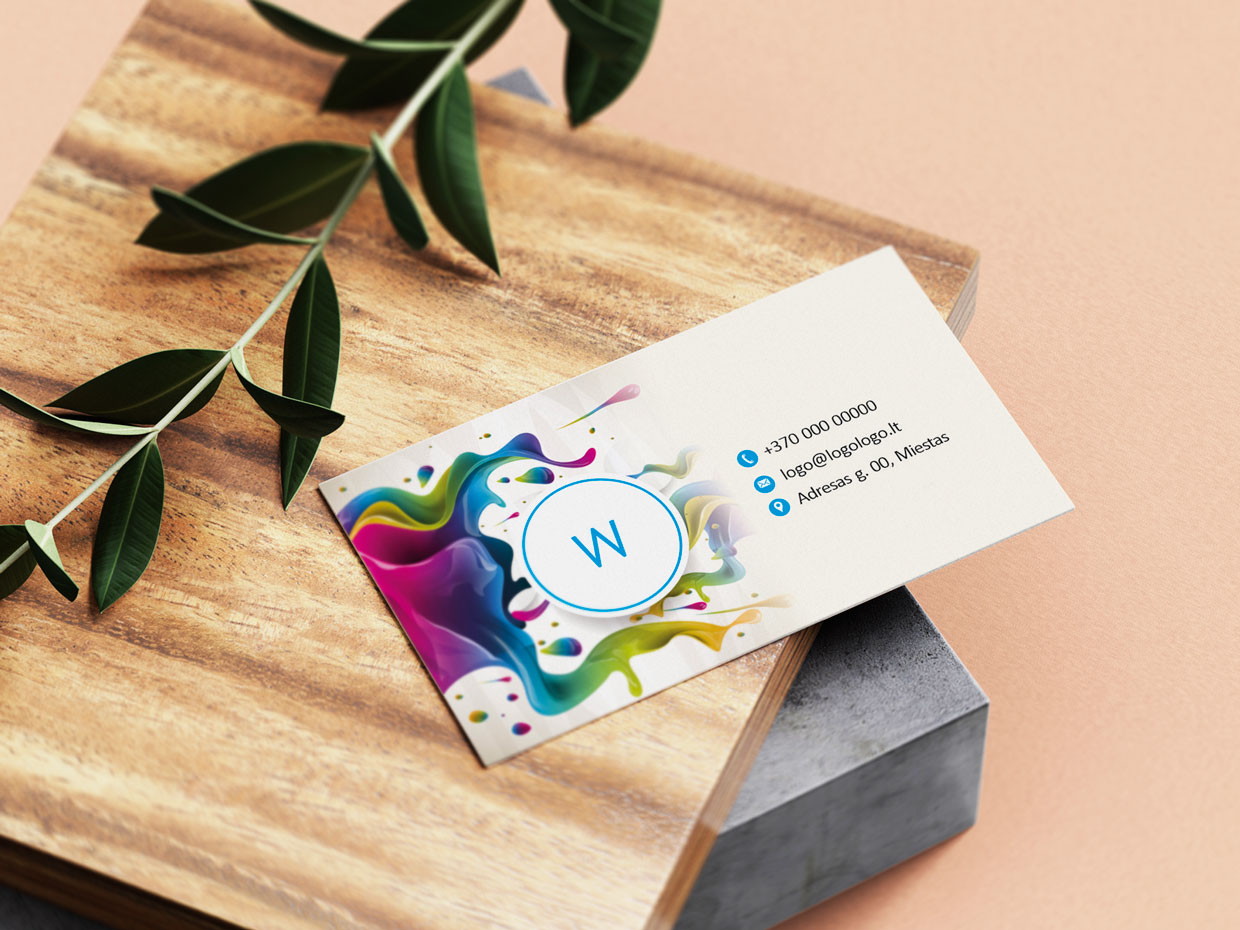
Original double-sided business cards
A double-sided business card is not just a sheet with essential information about the person presenting it on both sides, but also an important part of your image. On one side of the card, you can provide all the desired information about yourself, and on the other side – a description of your business, listing the services provided, products created, and goods sold. You can create a double-sided business card in just a few minutes. Cards can be in a standard shape or with rounded corners. Double-sided business card information can be printed on matte or glossy paper. Prices for double-sided business cards are provided in the calculator, after selecting quantity, paper, and other services.
Why should you print business cards at OnPrint.lt?
We have all the necessary equipment designed to quickly and professionally produce business cards.
If you do not have a card design, there is no need to hire a designer to layout the business card. You can easily do it yourself.
If you already have a design, you can simply upload it and submit a printing order.
You submit the order online, so there is no need to coordinate anything with the manager.
The entire process of creating a business card and submitting a printing order takes only 5-15 minutes.
We deliver the produced business cards to the address you provided. You can also pick them up yourself from the printing house.
Excellent price and quality ratio – the price of 1 business card is – from 0.04€. The price depends on the quantity.
The layout of the business card is saved in your created account, so you can edit it or print it again when your business cards run out or when your personal information changes.
Printing and production of business cards takes 1-2 business days.
Order quality business cards now!
The printing and production of business cards takes 1-2 business days, and delivery to your address takes only 1 business day.
Expert tips
Important
Due to the different characteristics and settings of device screens, the colors may differ from those displayed on the screen and printed.
In printing, there may be a tolerance of up to 2 mm, so when creating the layout, it is advisable to avoid frames. How a card with a frame might look -
more information here.
How to choose the size of a business card?
- When choosing the size of a business card, it is important to consider where the card will be used, as well as what proportions will look better and fit the desired information. We suggest choosing from the two most popular standards - 90x50mm and 85x55mm, both sizes fit well into a holder, a stand, a wallet, or a pocket. The size 90x50mm is the most popular in Lithuania and most European countries, while the size 85x55mm is popular in some European countries. You can read more about the standards used by clicking this link
What paper to choose?
- Standard - this paper is suitable for both white and fully colored business cards. When choosing this paper for a card that will have a solid color background, we recommend also choosing laminate. It will provide uniformity to the print and solidity to the card.
- Premium - this paper is exceptionally white, making it perfect for white, classic cards. It is also suitable for business cards with a solid color background, as its smooth surface allows for a more beautiful print than on other papers.
- Recycled - this paper stands out for being eco-friendly - recycled. Suitable for white, classic, and colored cards.
- Deko - this paper is suitable for classic or minimalist style cards. Full printing on such paper is possible, but its subtle beauty will be lost, and the print may not be entirely uniform due to the texture in the paper. We recommend this paper for cards without a background or with a very soft, subtle background or ornaments. It is important to know, when preparing the design, that white paints are not used in printing, i.e., white text or details will not be printed; in areas where the layout is white, the paper color will be visible.
What laminate would be suitable for my business card?
-
Laminate gives the card durability and an additional effect. You can choose from:
- Glossy laminate - the card surface will be glossy, colors will be slightly brighter.
- Matte laminate – the card surface will be matte, colors will be slightly muted.
Note: Matte laminate is prone to scratching more easily, and scratches become particularly noticeable on dark backgrounds. It is recommended to consider this property when planning the design or choosing laminate. - Matte "Soft touch" laminate - the card surface will be matte, colors will be brighter than with matte laminate. This laminate also differs from ordinary matte in that it feels velvety soft to the touch, making the card more special.
Note
- Matte laminate is prone to scratching more easily, and scratches become particularly noticeable on dark backgrounds.
We recommend
- Laminating business cards that have a smooth solid color background, this will make it look more uniform.
Should I round the corners of the cards?
- Rounding corners can be an additional design solution, by rounding only one, two, three, or all four corners of the card.
How long does it take to produce business cards?
- Typically 1-3 working days, the time may depend on the order quantity and additional options.
How much do business cards cost?
- The price of business cards is provided in the calculator after selecting the quantity and additional options.
Designer tips
- Choose the right template
Select a template that matches your business or personal image style. This will save you time and ensure that the design is visually appealing and professional. - Use high-quality images
When uploading logos or other images, make sure they are high resolution (300 DPI). Lower quality images may appear blurry or pixelated in the printed product. - Leave safe margins from the edges
It is important that essential elements, such as text or logos, are not too close to the edge. Leave at least 5-7 mm distance from the edges to avoid cutting off important elements due to printing and cutting tolerances. - Avoid too many colors
To ensure the design looks professional, it is recommended to use no more than three main colors. Too many colors can look chaotic and unappealing. - Choose a readable font
Use clear, easy-to-read fonts and avoid very small sizes (minimum 8 pt). Choosing an unreadable or too small font may make your information difficult to read. - Maintain a consistent style
If you use different fonts or colors on your business card, make sure they match well together. Inconsistency in style can give an unprofessional impression. - Review the preview
Before finalizing the design, be sure to review the preview offered by the design studio. It allows you to spot areas that need adjustment. - Ensure that contact information is accurate
A business card is your contact, so it is important that the phone number, email address, and other information are free of errors. One common mistake is incorrect contact details. - Avoid too much text
The text should be short and clear. A business card is intended only for basic contact details and brief information, so avoid filling the entire space with text. - Avoid overly small or thin elements
Small or extremely thin design elements may be difficult to see or may not stand out during the printing process. Ensure that important design elements are large enough and clearly visible. - If in doubt about how your produced order will look, we recommend placing a test order with the smallest quantity.
Follow these instructions and easily create your individual product:
- In the calculator, select the product dimensions, e.g., business card size - 90x50 mm or - 85x55 mm
- Choose the desired quantity of the product
- Choose whether you want to laminate (not available for all products)
- Choose if you want rounded corners (not available for all products)
- At the bottom, choose what you would like to do: Select from our offered templates, Create your mockup on a blank page or upload your existing mockup.
- If you wish for a professional designer to create the design, select Order design/mockup service in the calculator.
Product Review
All Templates